FEATURES
Studiark for iOS takes a brief and ships a cinematic film.
A single native iOS workflow: parse a brief into a multi-scene storyboard, render stills first, render Veo motion per scene, and compose the final film automatically.
Scenes per film
Multi
Brief parsed into a per-scene storyboard with editable prompts.
Stills first
Approve
Each scene rendered as a still before you spend video credits.
Veo per scene
Motion
Per-scene Veo renders driven by the approved still.
Final film
Auto
Composed automatically from approved scenes — no manual stitching.
MODELS UNDER THE HOOD
The models Studiark uses to ship a scene.
Studiark picks a model per stage of the pipeline. One credit pool covers every stage, and you only ever pay for a generation that actually completes.
Planning
1 model- GPT-5.5
Parses the brief into a multi-scene plan.
Stills
2 models- Nano Banana Pro
- Imagen
Renders a still per scene before motion runs.
Video
1 model- Veo 3.1
Renders motion per scene from the approved still.
More on the catalogue
Additional models published via ModelService are listed on /models.
Studiark for iOS
Brief → storyboard → stills → motion → final film.
Studiark for iOS takes a brief from idea to a polished cinematic film without leaving the project: storyboard, stills, per-scene video, and final cut.
PLANNER
Brief → Storyboard
Type or speak a brief. GPT-5.5 plans the film as a sequence of scenes with prompts, durations, and reference frames you can edit before any generation runs.
- Voice or text brief, parsed into scenes
- Editable per-scene prompts and timing
- Cost estimate before you commit credits
STILLS FIRST
Per-Scene Stills
Each scene gets a still rendered with Nano Banana or Imagen before any video credits are spent, so you approve the look before you pay for motion.
- Stills generated before video
- Approve the look, then render motion
- Re-roll a single scene without touching the others
MOTION
Per-Scene Veo Video
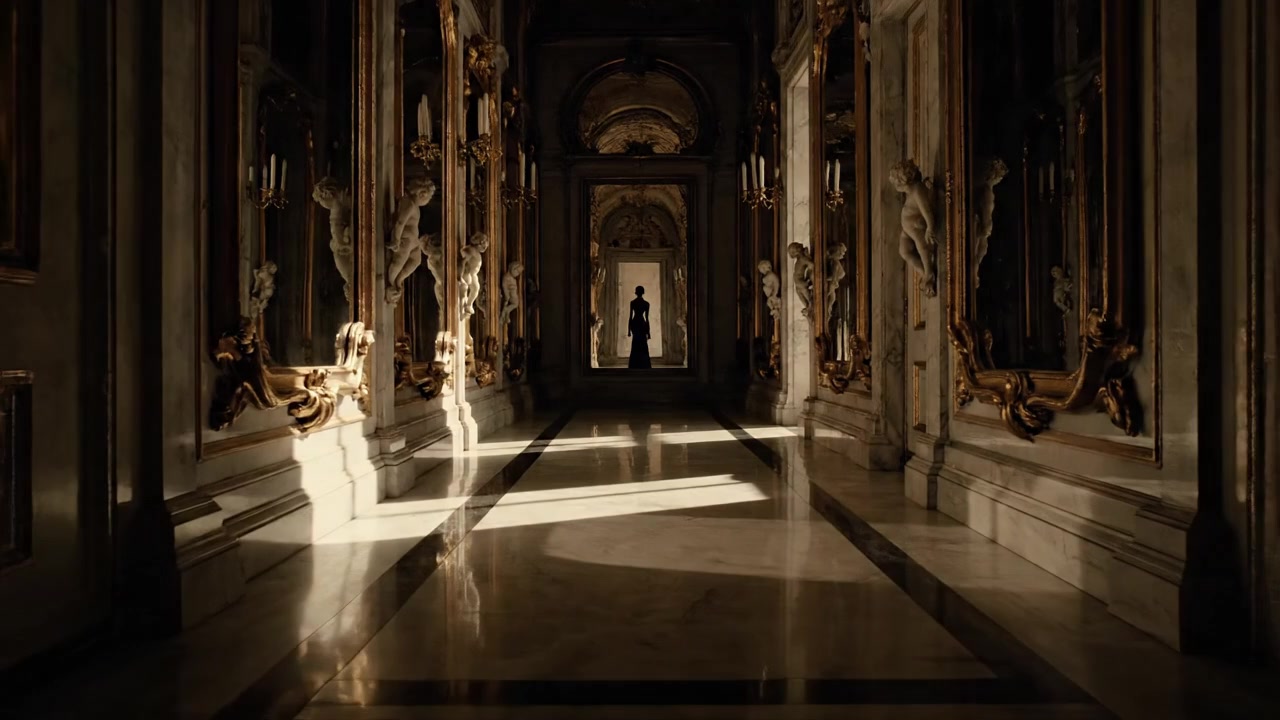
Approved stills drive per-scene Veo renders. Each scene is a discrete job — you can re-render, swap, or extend one scene without re-rendering the rest of the film.
- Veo render per scene from the approved still
- Re-render one scene without losing the rest
- Live progress while jobs run
ASSEMBLY
Final Film Compose
Once every scene is approved, Studiark composes the final film automatically — no manual stitching or separate editor.
- Automatic compose from approved scenes
- Final film stays in the same project
- Download or share from the iOS app
Built for real production
Resumable. Consistent. Native on iOS.
Studiark for iOS is built to be resumable and consistent across scenes. These are the platform mechanics underneath the native workflow.
PER-SCENE ANCHOR
Character Consistency
A character anchor carries identity, wardrobe, and look through every scene. A multi-scene reel reads as one story, not a stitch of unrelated clips.
- Identity locked across the film
- Wardrobe and look stable scene to scene
- Reference frame carried into each render
NATIVE STATE
Resumable iOS Projects
Drafts and in-flight jobs remain connected to the project in the native iOS app, with reconnect handling and automatic retry.
- Return to an in-flight project
- Live job progress re-subscribes on reconnect
- Failed jobs retry automatically
MOBILE
iOS-Native Mobile UX
The experience is native to iOS: a floating tab bar, bottom-sheet flows, and 44pt touch targets.
- Floating tab bar and bottom sheets
- 44pt touch targets throughout the app
- Draft and render state stay in one project
THE CONNECTED WORKFLOW
See how Studiark for iOS fits together end to end.
Brief, storyboard, stills, motion, and final compose are one continuous flow.
Full workflow walkthrough
From first brief to final film
Follow Studiark for iOS scene by scene, from brief parsing through Veo render and final compose.
See the full workflowModel catalogue
What runs each stage
GPT-5.5 plans the storyboard, Nano Banana or Imagen render stills, Veo renders per-scene motion. One credit pool covers all of it.
Browse the cataloguePricing
Plans and credit packs
See current plan and credit-pack information for the iOS service, including how failed generations are handled.
See pricingSTART HERE
Explore Studiark for iOS.
Learn how the native app takes a brief through storyboard, scenes, and final composition.