
STUDIARK FOR IOS · BRIEF → FILM
From a single brief to a polished cinematic film — automatically.
Studiark for iOS plans the storyboard, renders every scene with Veo, and composes the final cut. One project, one credit pool.
Free forever · No credit card · No credits burned on failed generations
WHY STUDIARK FOR IOS
Brief. Storyboard. Scenes. Final film.
The native iOS app runs the whole production loop: it plans a multi-scene storyboard, renders each scene with Veo, holds character consistency across scenes, and composes the final cut.
STUDIARK FOR IOS
Brief in. Cinematic film out.
Type or speak a brief in the native iOS app. Studiark plans the storyboard scene by scene, drafts each still, renders each scene with Veo, and composes the final film. One project. Zero handoffs.
Voice or text brief, parsed into a multi-scene plan
Stills generated first, then per-scene Veo video
Final film composed automatically from approved scenes
Studiark for iOS
Brief → Final film
brief
launch reel for new EV, 3 scenes, golden hour
CHARACTER CONSISTENCY
The same character. Every scene.
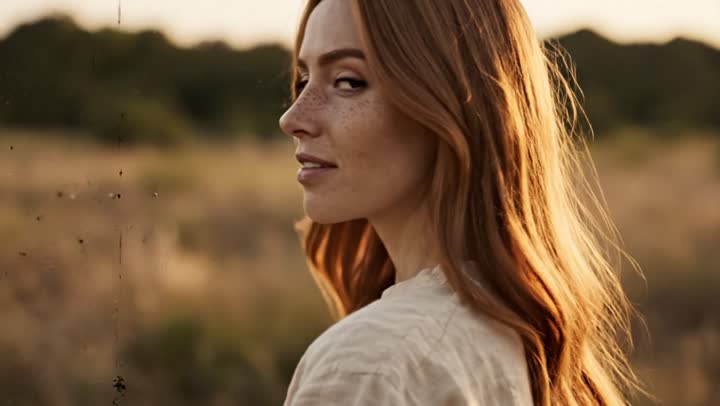
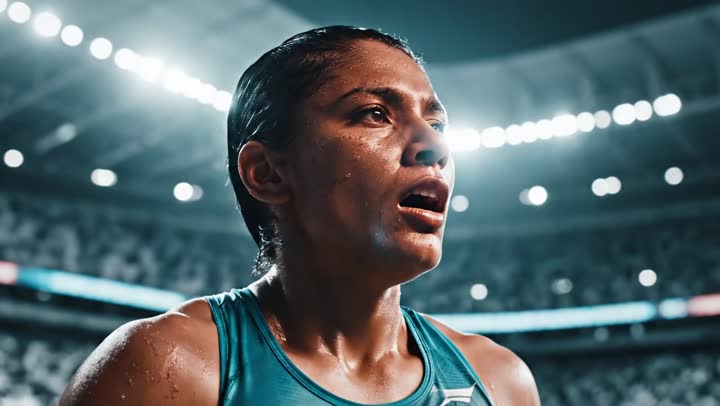
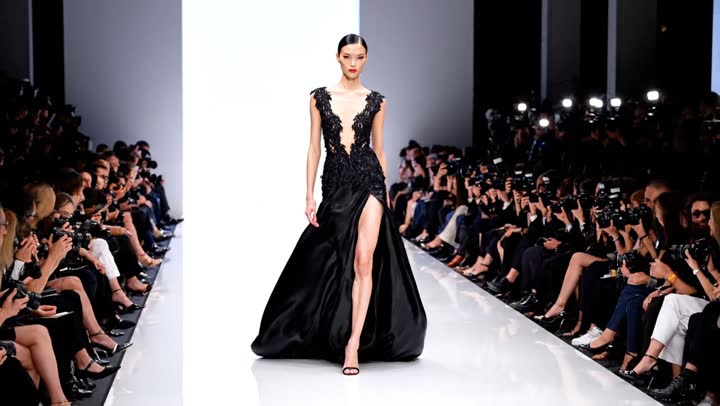
Studiark for iOS anchors a character across every shot of the film: identity, wardrobe, and look stay locked between scenes, so a multi-scene reel reads as one story instead of stitched fragments.
Per-scene character anchor for visual continuity
Reference frame carries identity into each new scene
Wardrobe and look kept stable scene to scene
Character Anchor
Same character. Every scene.
 Scene 01
 Scene 02
 Scene 03
 Scene 04
NATIVE IOS WORKFLOW
A production workflow designed for iPhone and iPad.
Drafts and render state stay together in the native iOS app, with live job progress, reconnect handling, and automatic retry when a connection drops.
Native iPhone and iPad workflow
Live job progress with re-subscribe on reconnect
Automatic retry when a connection drops mid-render
Native iOS State
Return to an in-flight project.
rendering scene 02
14:02resuming scene 02
14:03MULTI-MODEL GENERATION
Veo, Nano Banana, GPT-5.5, and more. One credit pool.
Pick the model that fits the shot: Veo for video, Nano Banana or Imagen for stills, GPT-5.5 for planning. One subscription, one credit pool, and no credits charged on failed generations.
Veo, Nano Banana, Imagen, GPT-5.5 in the catalogue
One credit pool across stills, video, and planning
Never charged for a failed generation
Model Router
One prompt. Best-fit model.
prompt
cinematic product spot, 5s
READY?
10 free videos. No credit card.
Explore how the native iOS app turns a brief into a storyboard and a finished film. Contact us for Business access.
CAMERA CONTROLS
Name the shot. Get the shot.
24 cinematic camera moves with model-baked precision. Choose a preset, describe the scene, and get a repeatable result, without guessing prompts under deadline.
GALLERY
What creators are making with Studiark.
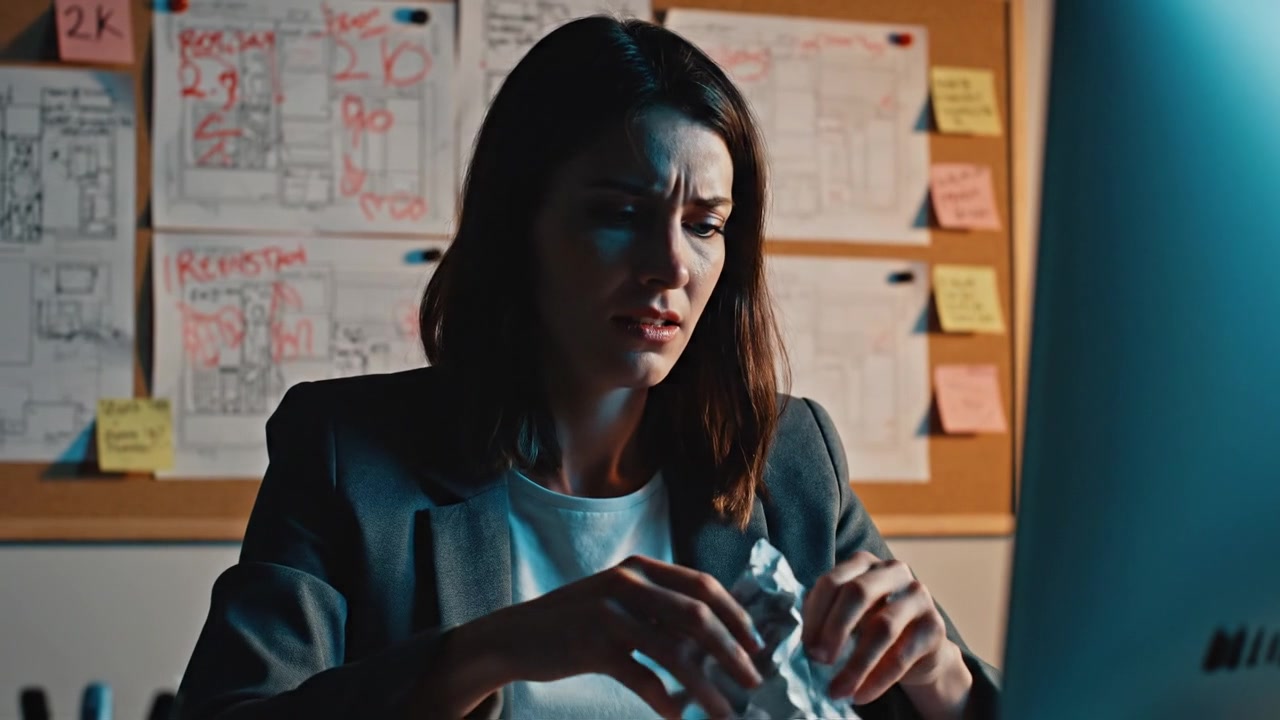
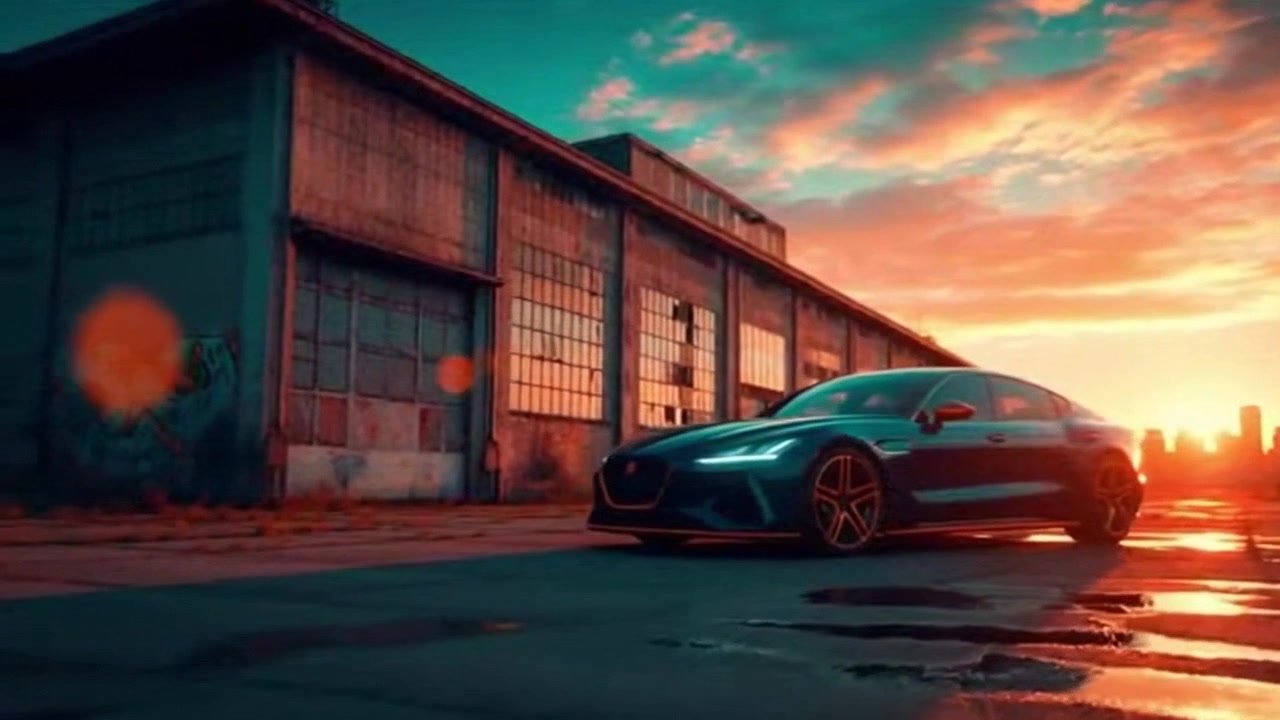
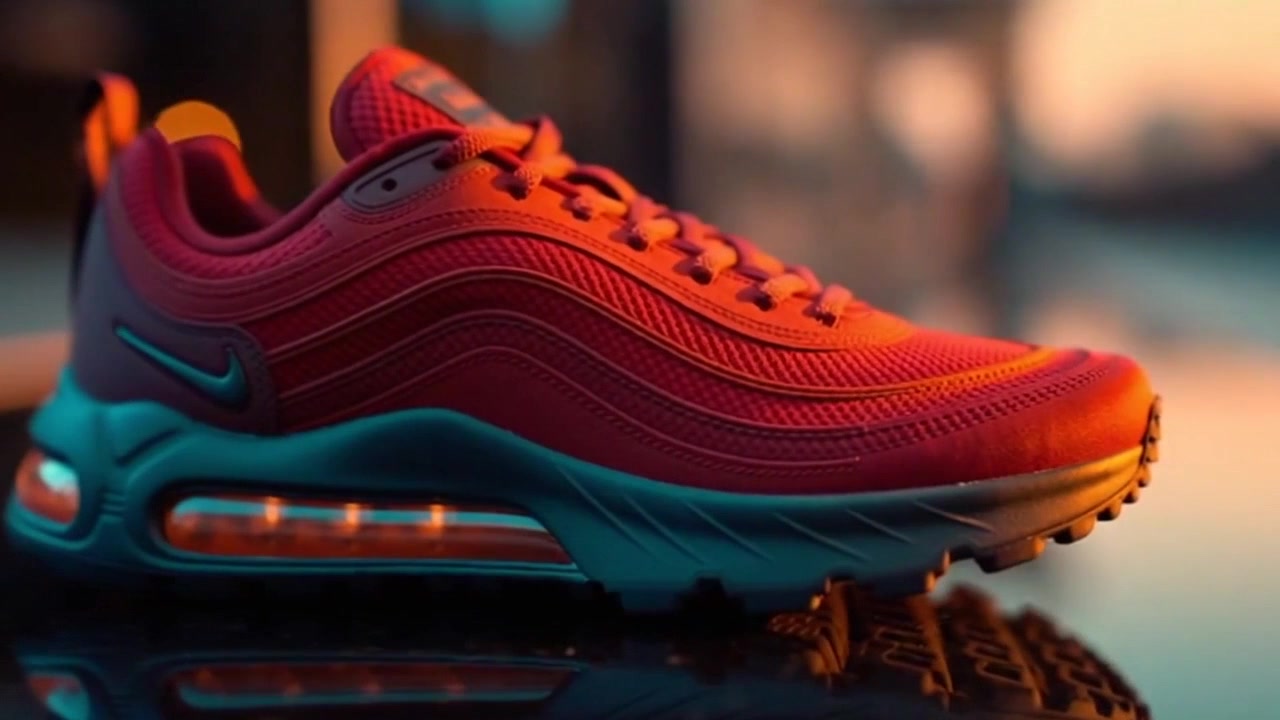
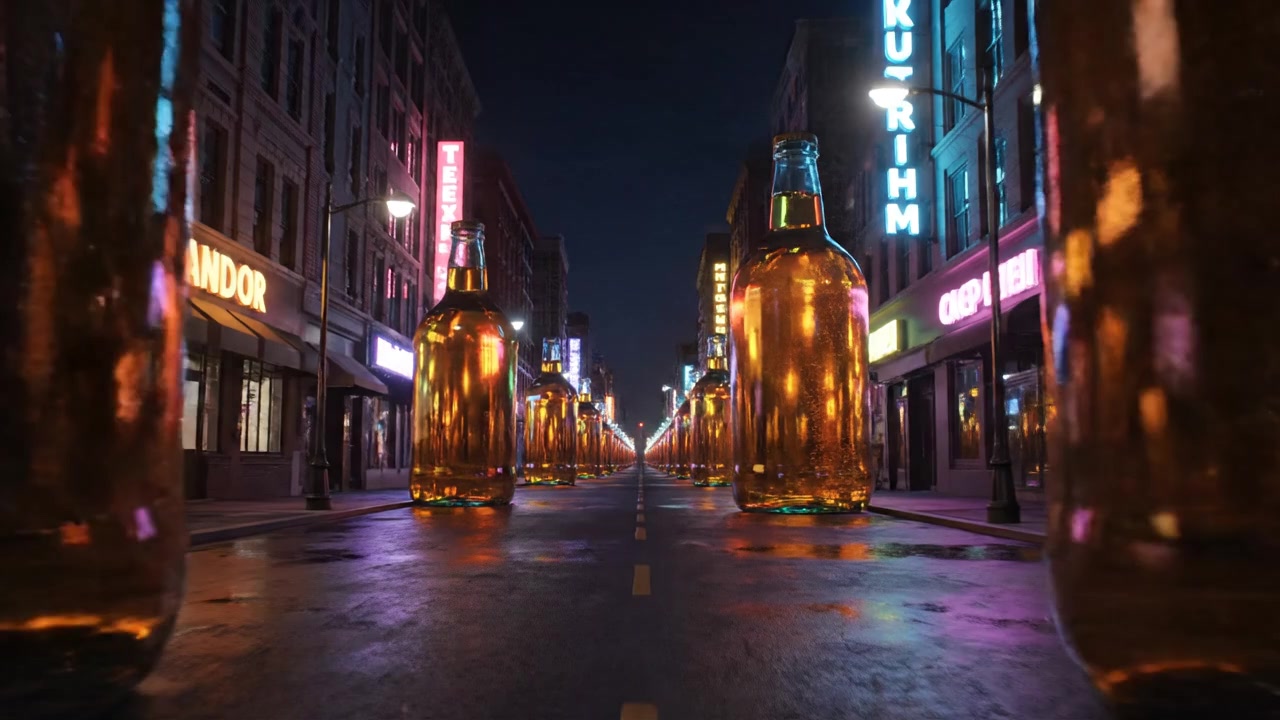
Campaign stills, product renders, and concept frames from real production workflows, each asset shipped with a machine-readable rights record attached.
GO DEEPER
See the full platform.
Explore the iOS workflow, browse the model catalogue, or read the API documentation.